
Debug Meta Pixels
Like a Pro
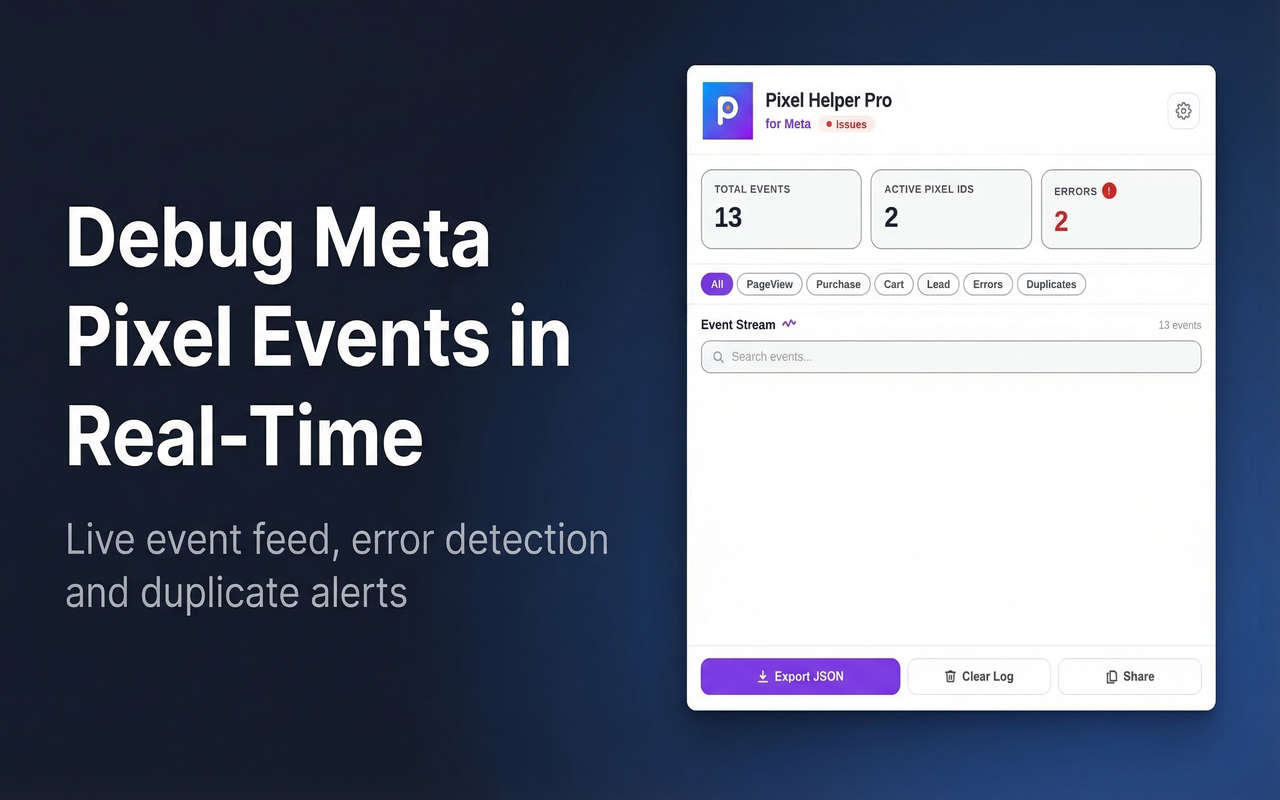
Real-time event feed, funnel analysis, duplicate detection, error explanations, and JSON export — everything a Meta Pixel debugger should be. Works as a browser side panel for maximum space.
Everything you need to debug Meta Pixels
Built for media buyers, developers, and marketers who need full visibility into their tracking implementation.
Real-Time Event Stream
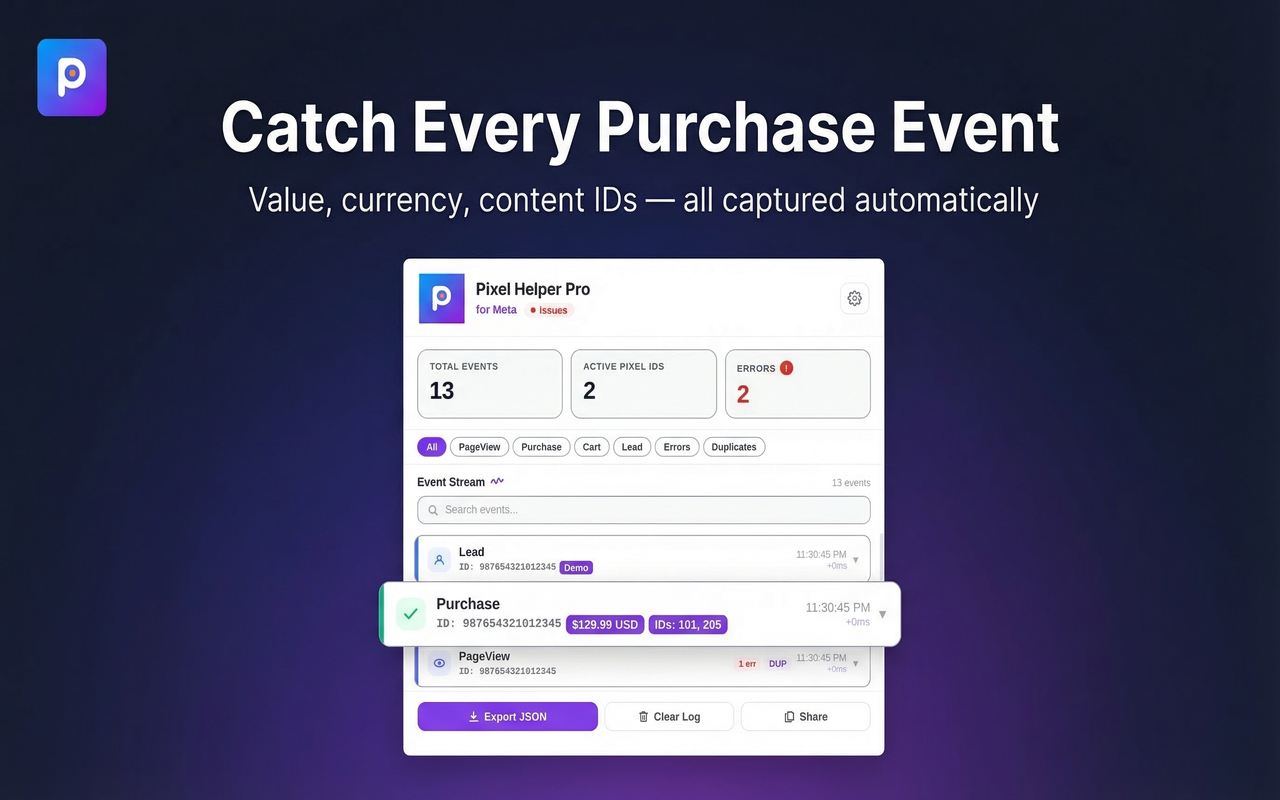
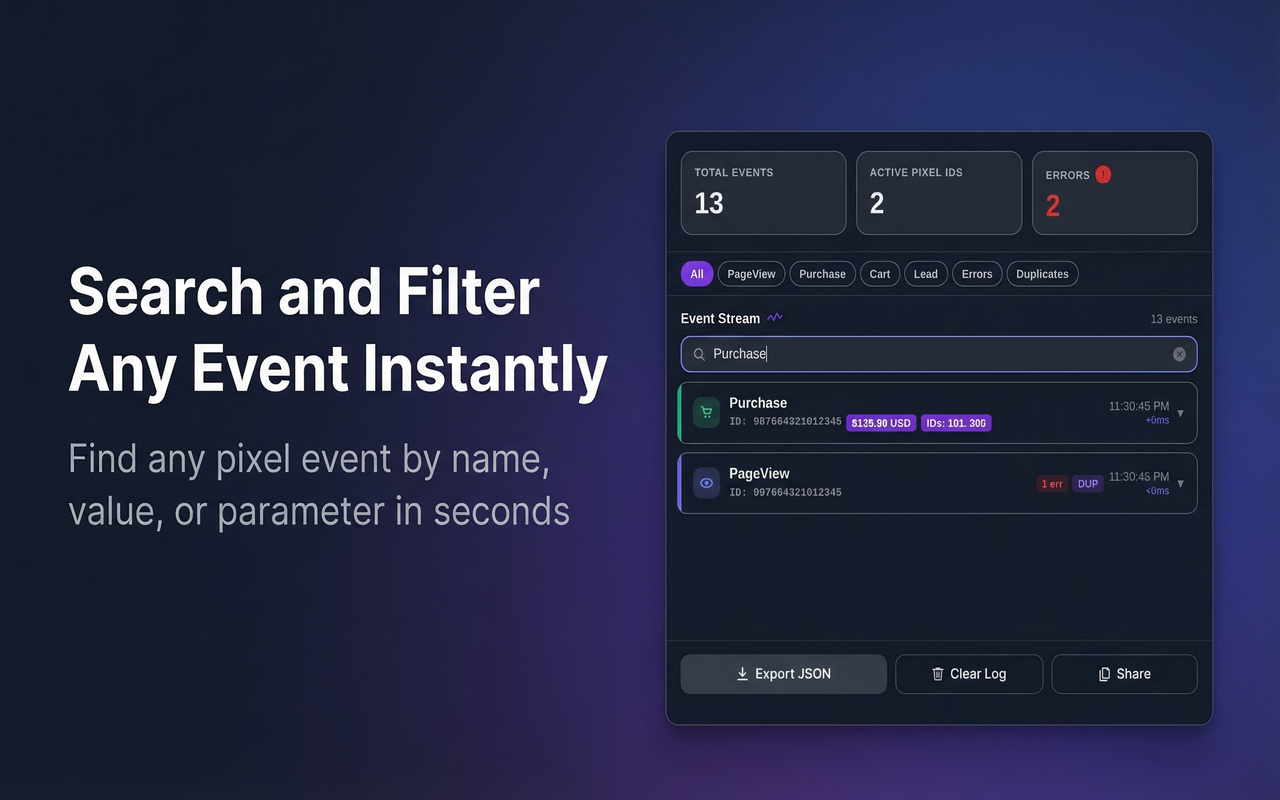
Watch every Meta Pixel event fire instantly as you browse — PageView, Purchase, AddToCart, Lead, and custom events. No refresh. No delay. Full sidebar view.
Funnel Analysis
See your entire conversion funnel at a glance. Know exactly which steps are tracked (PageView → ViewContent → AddToCart → Checkout → Purchase) and which are missing.
Full JSON Inspector
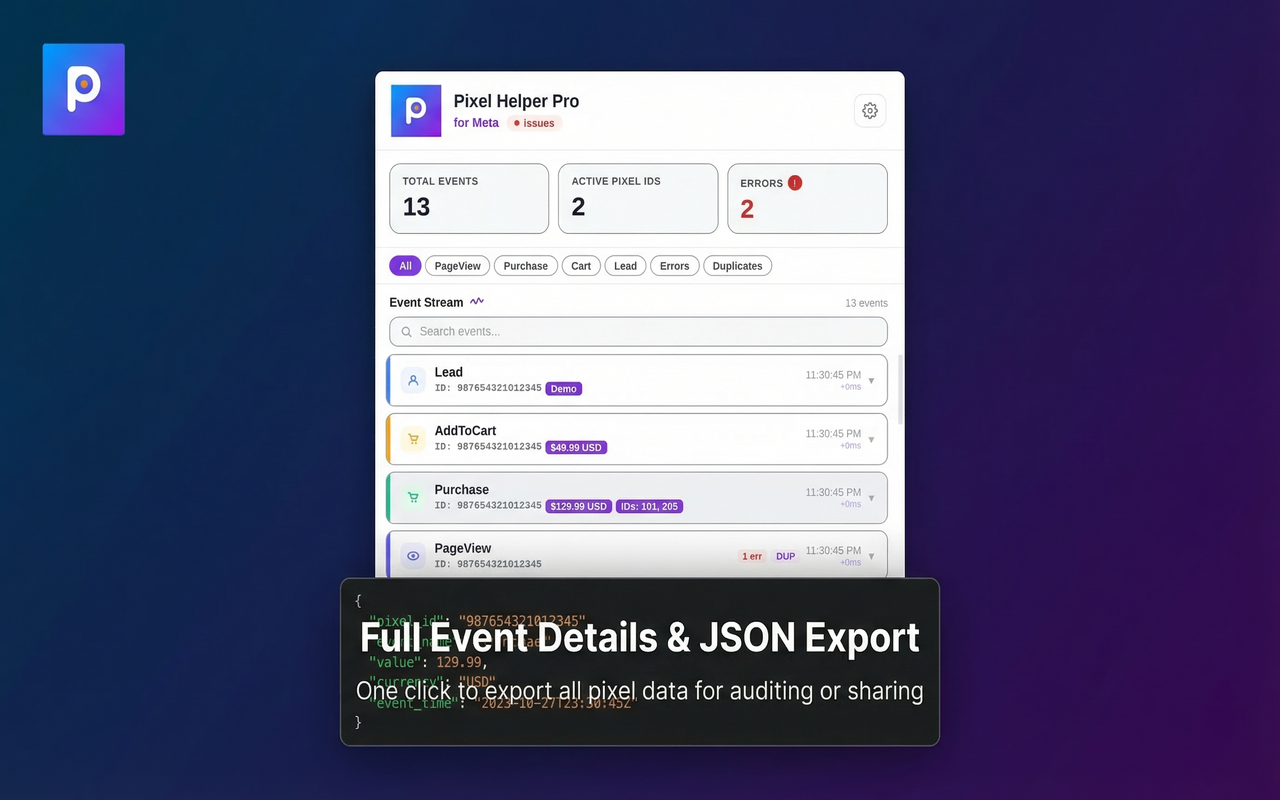
Click any event to expand and see the complete payload — syntax-highlighted with keys, values, and types. Every parameter instantly readable.
Smart Error Detection
Not just "error detected" — we tell you exactly what is wrong and how to fix it. Missing currency? Wrong value format? Incomplete content_ids? Explained clearly.
Duplicate Detection
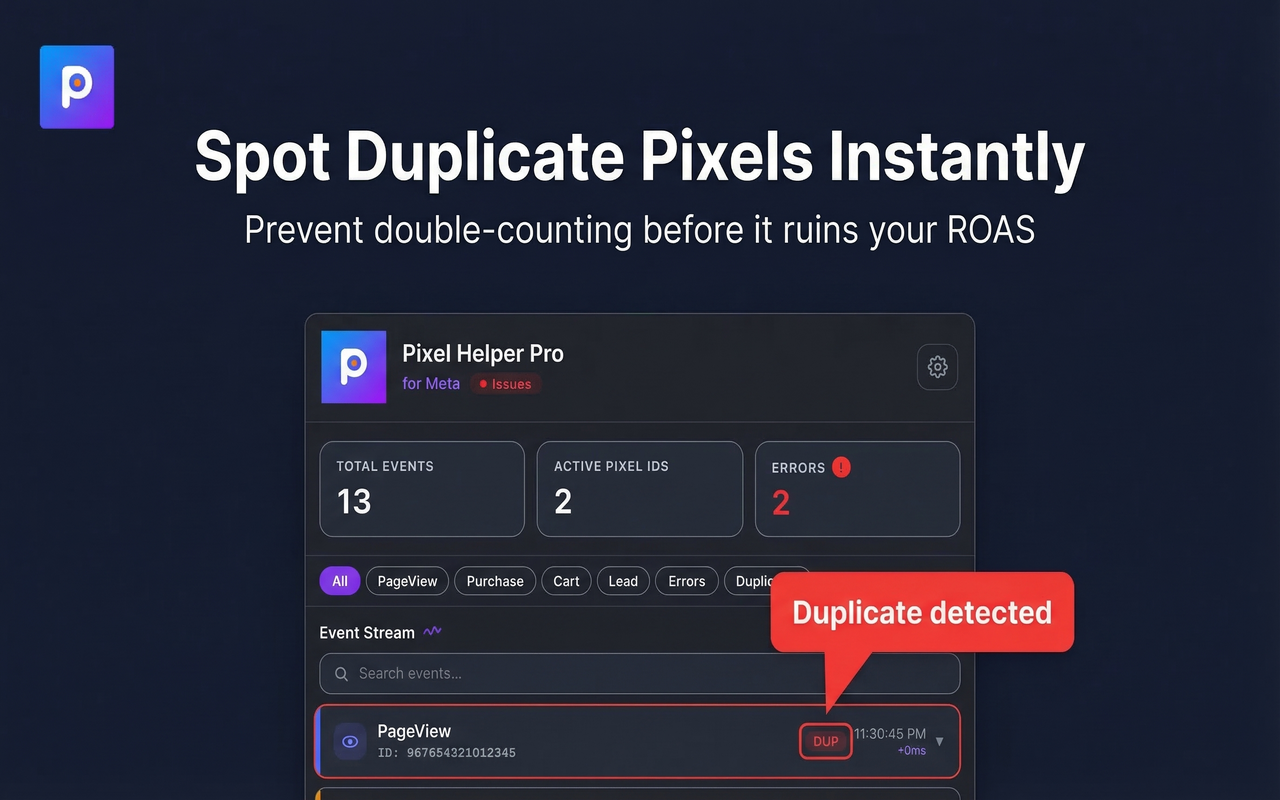
Double-firing is the most common pixel bug. We catch duplicates in real-time and flag them before they inflate your ad account data and skew attribution.
Per-Pixel Breakdown
Running multiple pixels? The Pixels tab shows every detected pixel ID, its event count, revenue tracked, and error status — side by side.
Revenue Tracker
Automatically tallies Purchase event values. See total revenue tracked, number of purchases, and currency — without leaving the browser.
Smart Suggestions
After analyzing your events, the extension offers actionable suggestions — missing parameters, incomplete funnel steps, CAPI readiness, audience opportunities.
Export & Copy
Export the full event log as JSON with one click. Copy individual events or the entire session. Share with developers or keep records for audits.
Up and running in under a minute
No configuration. No account. Just install and start debugging.
Install from Chrome Web Store
Add Pixel Helper Pro to Chrome for free. No account, no login, no setup — works immediately after install.
Click the toolbar icon
The extension opens as a side panel next to your browser tab — full height, plenty of room to inspect everything.
Browse any website
Navigate to any site with a Meta Pixel. Events appear in real-time as they fire. All standard and custom events supported.
Inspect, debug, export
Expand events to see JSON parameters. Check the Funnel and Pixels tabs. Export the log or copy individual events to share.
Track revenue & funnels
Switch to the Funnel tab to see your full conversion path or the Pixels tab for per-pixel revenue and event breakdowns.
Your data never leaves your browser
Pixel Helper Pro has no backend server. No analytics. No telemetry. All event logs are stored locally using Chrome's built-in storage API and never transmitted to anyone.
No Account Required
Open the extension and start debugging instantly. No signup, no login, no email.
No Data Shared
We have no servers. Your pixel data never leaves your device — not to us, not to Meta.
You Control Everything
Clear all data with one click at any time. Uninstalling removes everything automatically.
Start debugging in seconds
Free to use. No sign-up. No limits. Works on any site with a Meta Pixel.
Add to Chrome — It's Free